
Business Tools
The right tool depends on the job, not on the brand. This page organises business tools by what they are for, explains how to choose between them, and points to the guides and templates that exist on this site.
Start with the job, not the brand
Most tool mistakes are made before any comparison begins. A founder reads a “best tools” list, picks the winner, and only later discovers it does not do the one job they actually needed — or that it costs far more once their team grows. The fix is to describe the job first, in one sentence, before looking at any product. If your business is already running and you want to grow it, see Business Growth & Tools.
A useful job description names the task, the person doing it, and the result that matters. “Send invoices and know who has paid” is a job. “Do accounting” is not — it could mean invoicing, expenses, payroll, tax returns, or all four, and a tool that does one well may not do the others at all. Write the job down, then list the features it requires, and only then start comparing products. When we publish a comparison guide, it states its criteria, the price and the date it was checked, and who each tool is — and is not — for.
EXAMPLE: choosing an invoicing tool
Consider a hypothetical example. A solo service business needs to send invoices, record expenses, and see at a glance who has paid and who has not. That is the whole job. A full accounting suite with payroll and stock control would do the job — and add cost, setup time and features that are never used. A simple invoicing tool that exports data cleanly would do the job for less, and could be replaced later if the business grows. The right choice follows from the job description, not from the size of the feature list. This example is hypothetical, with its assumptions stated — it is not a review of any real product.
The same thinking applies to every use case on this page: planning, accounting, customer relationships, email, ecommerce and project management. The categories below explain what each kind of tool does and when you need one — and when a spreadsheet, a checklist or a simpler tool is enough.
The cost of the wrong tool is rarely the subscription fee. It is the hours spent setting it up, the data entered that cannot be exported, the team trained on a workflow that is then abandoned, and the months before anyone admits the tool is not doing the job. A free tool that wastes an hour a week costs more over a year than a paid tool that saves one. That is why this page starts with the job and the selection checklist rather than with product names: the cheapest mistake is the one you do not make, and the most expensive tool is the one you pay for twice — once to adopt it, and once to leave it.
How to choose a tool
Before comparing products, answer four questions: what job must the tool do, who will use it, what does it cost in total (including the second year, not just the launch price), and can you export your data if you leave? A tool that is right for a team of ten can be wrong for a solo founder, and a free tier that fits today can become expensive as you grow. When we publish a comparison guide, it states the criteria, the price and the date it was checked, and who each tool is — and is not — for.
A selection checklist you can reuse
Use this checklist for any tool, in any category. If a product fails one of the first three items, it fails the comparison — however good its marketing is.
- Write down the job the tool must do. One sentence: the task, the person doing it, and the result that matters. If you cannot write it, you are not ready to choose.
- List must-have features before you look at prices. Decide what is essential and what is merely nice to have, before any vendor tells you what to want. A long feature list is not evidence that the features you need are included.
- Check free tier limits and what happens when you outgrow them. A free tier that fits today can become expensive as you grow — check the limits on users, records, storage and exports, and the price of the next tier up.
- Test with real data before you commit. A trial with sample data proves very little. Import your own contacts, invoices or tasks, and do the actual job end to end.
- Check data export and privacy terms. Can you export everything — in a usable format — if you leave? Where is your data stored, and who can see it? What happens to your data if you cancel?

Count the total cost, not the launch price
The price on the pricing page is rarely the total cost. Ask four questions before you commit: what does the second year cost, not just the first year with its introductory discount? Is pricing per user, and how many users will you actually need? Which features you need are add-ons, charged separately? And what does it cost to leave — in export fees, in migration time, or in data you cannot take with you? A tool that is right for a team of ten can be wrong for a solo founder, and a cheap tool that wastes an hour a week is more expensive than a pricier one that saves it.
Also ask who will use the tool day to day. A tool the founder loves and the team avoids is a tool that will not be used. The best test is a short trial with the people who will actually do the work, doing the actual work — not a demo watched by one person.
Tools by use case
Planning
Business planning and budgeting tools, including our business plan template and business budget template. Start with the guide How to Write a Business Plan. Our free planning tools are the Startup Cost Calculator, the Break-Even Calculator, the One-Page Business Plan Template, the Idea-Validation Scorecard and the First-Customer Checklist.
Accounting and bookkeeping
Software for invoices, expenses, reconciliation and reports. See Bookkeeping Basics for Small Business Owners for the accounting concepts.
Customer relationships (CRM)
Tools for tracking leads, customers and follow-ups. The CRM criteria are covered in Business Growth & Tools.
Customer relationships: when a CRM earns its place
A CRM — customer relationship management tool — tracks leads, customers and follow-ups in one place: who you spoke to, what was promised, and what happens next. For a business with a handful of customers, a spreadsheet and a calendar do this perfectly well, and a CRM would add admin without adding value. For a business with dozens of leads at different stages, memory and spreadsheets start to fail — follow-ups are missed, and nobody knows which leads are warm.
That is the test: if you are losing track of follow-ups, a CRM may help. If you are not, it will not. When you do compare CRM tools, judge them on the jobs they must do — capturing a lead, recording a conversation, reminding you to follow up, and showing the pipeline at a glance — rather than on the number of features on the pricing page. Check the free tier’s real limits, test with your own contacts and pipeline, check integrations with the other tools you use, and confirm you can export all your data. A CRM that holds your customer list hostage is a liability, not an asset.
The same discipline applies to email marketing tools, which are covered below under free tiers and privacy. Permission comes first: never buy a list, always offer a clear unsubscribe, and segment by what people actually asked for. A tool that makes permission and unsubscribes easy is worth more than one with a hundred templates.
Accounting and bookkeeping tools
Accounting software covers invoices, expenses, reconciliation and reports — the record of money in and money out. The choice depends on the job: a freelancer who sends a few invoices a month needs something very different from a shop with stock, staff and daily sales. Bookkeeping basics — recording every sale and expense, keeping business money separate from personal money, reconciling accounts monthly, and keeping receipts — matter more than the brand of software, and they are the same whatever tool you choose. Tax rules vary by country, so check the official source for your jurisdiction rather than trusting a vendor’s summary. For the selection method, use the checklist above; for the accounting concepts themselves, see Business Finance.
Email marketing
Tools for permission-based email: list building, segmentation and measurement. Start with the email section of Marketing & Sales, which covers consent and unsubscribe rules before any tool choice.
Ecommerce
Platforms for selling online, including payments, shipping and returns. See How to Start an Ecommerce Business and Dropshipping: How It Works, Costs, Risks and Supplier Checks.
Free tier or paid plan?
Most business tools offer a free tier, a paid plan, or both — and the right answer depends on where your business is, not on which is cheaper in the abstract.
| Option | Good for | Watch for |
|---|---|---|
| Free tier | Testing a tool, and very small teams with simple needs | Limits on users, records and exports; features that disappear when you grow |
| Paid plan | When the tool saves hours every week, or when the free tier blocks the job | Per-user pricing, add-ons, and renewal jumps after an introductory year |
| Free spreadsheet or template | Jobs a list or a calculation can do — budgets, checklists, forecasts | No automation, and no reminders unless you build them |

The rule is simple: never pay for features you have not used yet. Start free, do the real job for two weeks, and pay only when a specific limit blocks a specific job. If you cannot name the feature that justifies the payment, the payment is not justified yet. And when you do pay, note the renewal date — the second year is the real price, and it is often higher than the first.
Privacy questions to ask before you adopt a tool
Every tool you adopt holds some of your business — your customer list, your invoices, your plans. Four questions protect you, and they are worth asking before you sign up, not after you have moved your data in.
- Where is my data stored, and who can see it? The vendor’s privacy policy and terms should answer this plainly. If they do not, that is itself an answer.
- Can I export everything if I leave? In a usable format — not a PDF of a summary, but the actual records. Test the export during the trial, not on the day you cancel.
- How does the tool handle customer data? If the tool holds your customers’ details, you are responsible for how they are handled. Check what the tool collects, why, and how long it keeps it.
- What happens to my data if I cancel? Is it deleted, kept for a period, or kept indefinitely? How long do you have to export it after cancelling?
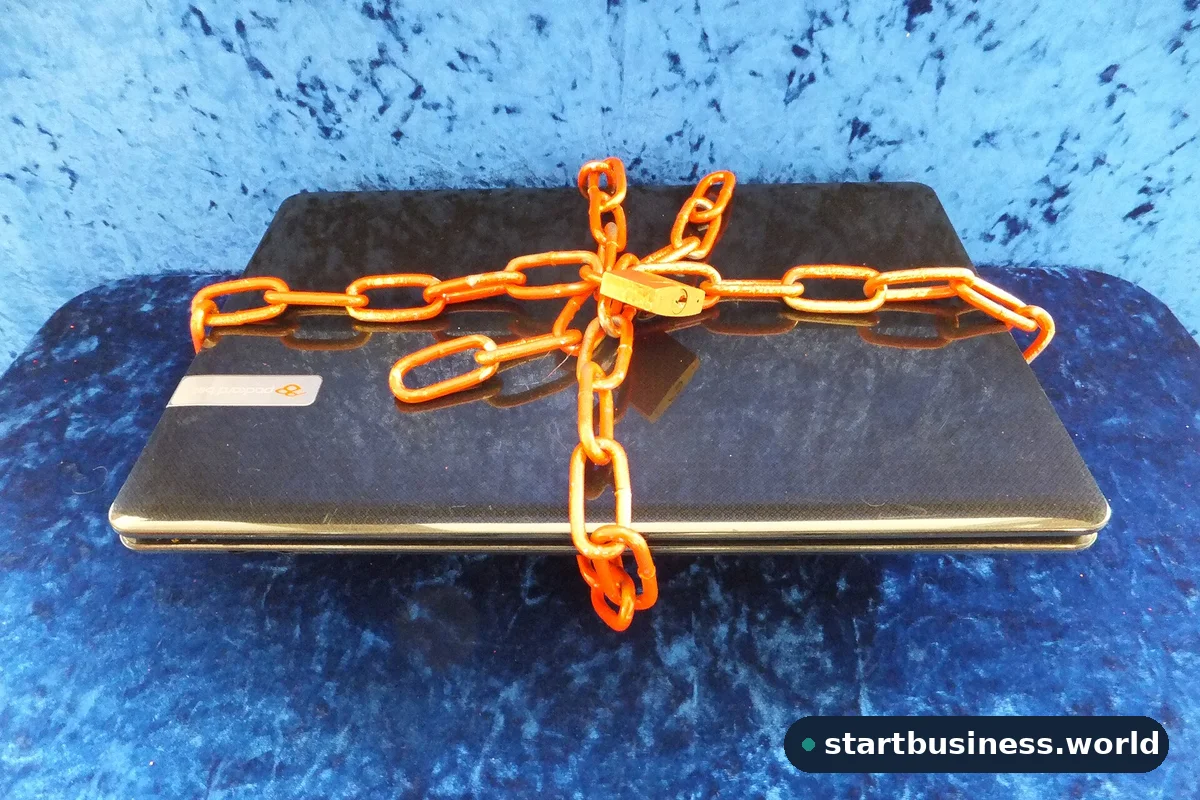
For ecommerce tools, the same questions apply, plus the ones that affect your customers directly: how payments are handled, how shipping and returns work, and what happens when a platform changes its rules or fees. A marketplace gives you built-in traffic but charges fees on every sale and sets the rules; your own store gives you control but no traffic. Neither is right for everyone — the choice follows from your products, your margins and your customers, as our ecommerce guidance explains.
Project management
Tools for planning work, assigning tasks and tracking progress. Project management criteria are covered in Business Growth & Tools.
Tools by use case, side by side
| Use case | What the tool does | Start simple with |
|---|---|---|
| Planning | Turns an idea into a written plan and budget | Our business plan template and business budget template |
| Accounting | Invoices, expenses, reconciliation and reports | A simple invoicing tool, until volume justifies more |
| CRM | Tracks leads, customers and follow-ups | A spreadsheet, until follow-ups start being missed |
| Permission-based email: list, segments, measurement | A list built by consent, with clear unsubscribe | |
| Ecommerce | Selling online: platform, payments, fulfilment | A validated product and a returns plan, before a platform |
| Projects | Planning work, assigning tasks, tracking progress | One shared list, until the work outgrows it |

The pattern is the same in every row: start with the simplest thing that does the job, and upgrade when a specific limit blocks a specific job. Tools bought in advance of a problem are the ones that end up unused — and still charging.
From trial to daily use
A trial is a test, not a purchase. Run it like one, in five steps.
- Pick one tool for one clear job. Do not trial three tools at once; you will compare their marketing instead of their work.
- Run a two-week trial with real work. Real data, real tasks, the people who will actually use it.
- Move your data in — and test the export too. If the export fails, you have learned the most important thing about the tool before paying for it.
- Train the team on the one workflow. One way of doing the job, written down, so everyone does it the same way.
- Review after 90 days — keep it or drop it. Is the job faster, more reliable, or better measured than before? If not, drop the tool, export your data, and move on.

Finally, remember what you will not find on this site: no ranked list bought by a vendor, no prices we have not verified from the official vendor page, and no claim that we tested a product we have only read about. Where a guide is based on desk research rather than hands-on testing, it says so. Where a price or feature was checked, it shows the date. Our comparison method is described in our editorial policy, and our position on paid links is in our affiliate disclosure. If a tool guide on this site gets something wrong, tell us — that is a correction, and we treat it as one.
Review your stack once a year
Tools accumulate. A business that started with one spreadsheet and one inbox can end up paying for five subscriptions, three of which nobody uses. Once a year, list every tool you pay for, what job each one does, who uses it, and what it costs — including the second-year price, not the introductory one. Then ask three questions about each: is the job still needed, is the tool still the simplest way to do it, and can the data be exported if we stop? Cancel the ones that fail, keep the ones that pass, and write the decision down. The review takes an afternoon and usually pays for itself in the first month. It is also the moment to check privacy terms again, because a vendor’s terms can change after you signed up.
What you will not find here
No ranked list bought by a vendor, no prices we have not verified from the official vendor page, and no claim that we tested a product we have only read about. Where a guide is based on desk research rather than hands-on testing, it says so. Where a price or feature was checked, it shows the date. Read our editorial policy and affiliate disclosure.
Photo credits: Shixart1985 (CC BY 2.0), perzon seo (CC BY 2.0), Richard Nowell (CC BY-SA 4.0).
Frequently asked questions
How should I choose a business tool?
Start with the job, not the brand. Describe the job in one sentence — the task, the person doing it, and the result that matters — then list the features it requires before comparing products. Before you compare, answer four questions: what job must the tool do, who will use it, what does it cost in total (including the second year, not just the launch price), and can you export your data if you leave?
When is a CRM worth having?
A CRM — a customer relationship management tool — tracks leads, customers and follow-ups in one place: who you spoke to, what was promised, and what happens next. For a business with a handful of customers, a spreadsheet and a calendar do this perfectly well, and a CRM would add admin without adding value. The test is simple: if you are losing track of follow-ups, a CRM may help, and if you are not, it will not.
Should I start with a free tier or a paid plan?
Start free, do the real job for two weeks, and pay only when a specific limit blocks a specific job. Never pay for features you have not used yet — if you cannot name the feature that justifies the payment, the payment is not justified yet. When you do pay, note the renewal date, because the second year is the real price and it is often higher than the first.
What does a business tool really cost?
The price on the pricing page is rarely the total cost. The real cost includes the second-year price after any introductory discount, per-user pricing, features charged separately as add-ons, and the cost of leaving, in export fees, migration time, or data you cannot take with you. The page puts it plainly: a free tool that wastes an hour a week costs more over a year than a paid tool that saves one.
What privacy questions should I ask before adopting a tool?
Ask four questions before you sign up, not after you have moved your data in: where is my data stored and who can see it, can I export everything in a usable format if I leave, how does the tool handle my customers’ data, and what happens to my data if I cancel. Test the export during the trial, not on the day you cancel.
Last reviewed: 25 November 2026.