
How to Accept Online Payments for Your Small Business
To accept online payments for your small business, you need three things: a way for customers to pay (a checkout page, payment link, or invoice), a payment processor that moves the money from the customer’s bank or card to yours, and a business bank account where the money lands. This guide explains each payment method, how processors and gateways differ, what the fees look like, how to keep payments secure, and how to choose a setup that fits your type of business.
Last updated: November 26, 2026
What accepting online payments actually involves
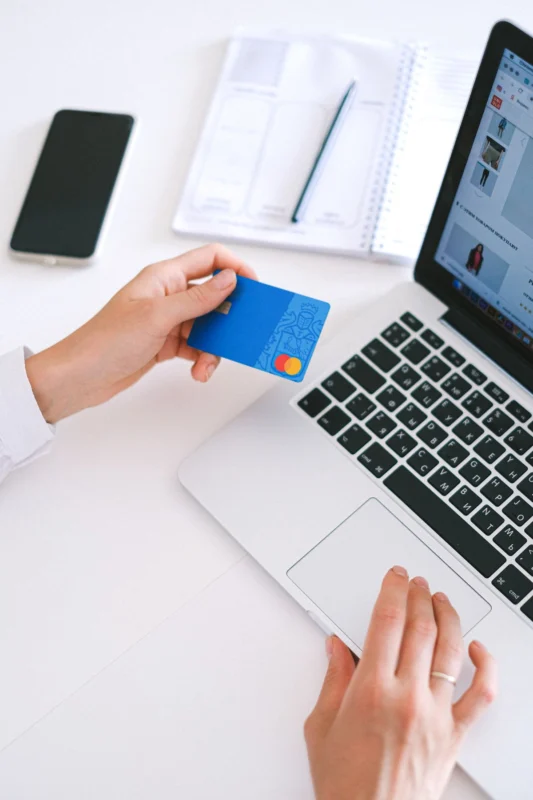
When a customer pays online, several things happen in a few seconds. The customer enters payment details on your website, invoice, or payment link. Those details travel securely to a payment processor, which asks the customer’s bank or card network whether the money is available. If the answer is yes, the payment is approved, the customer sees a confirmation, and the money is scheduled to reach your account — usually after a short holding period of one or a few business days.
You do not need to build any of this yourself. Modern payment processors provide the checkout pages, payment links, and website plugins, and they handle the connection to the card networks and banks. Your job is to choose the right combination, set it up correctly, and connect it to your business bank account.
Before you accept your first payment, sort out two foundations. First, open a separate business bank account and route all business income through it, so your bookkeeping and taxes stay clean. Our guide to bookkeeping basics explains how to record that income from day one. Second, decide how you will handle refunds, because customers will ask. A clear refund policy, shown before checkout, prevents most payment disputes.
The main ways customers pay online
Customers expect to pay the way they already pay everywhere else. Offering the two or three methods your customers actually use matters far more than offering every method that exists. The methods below cover almost every small business.
Credit and debit cards
Cards are the default online payment method in the United States. A customer enters the card number, expiry date, and security code, or saves the card in their browser or wallet for one-click checkout. Card payments are fast to set up through any major processor, work for one-off sales and subscriptions, and give customers a familiar checkout experience. The trade-off is the processing fee, taken as a percentage of each sale plus, in many pricing plans, a small fixed amount per transaction. Card payments can also be disputed by the customer through a chargeback, a reversal requested through the card network — so keep order records, delivery proof, and customer messages.
Digital wallets
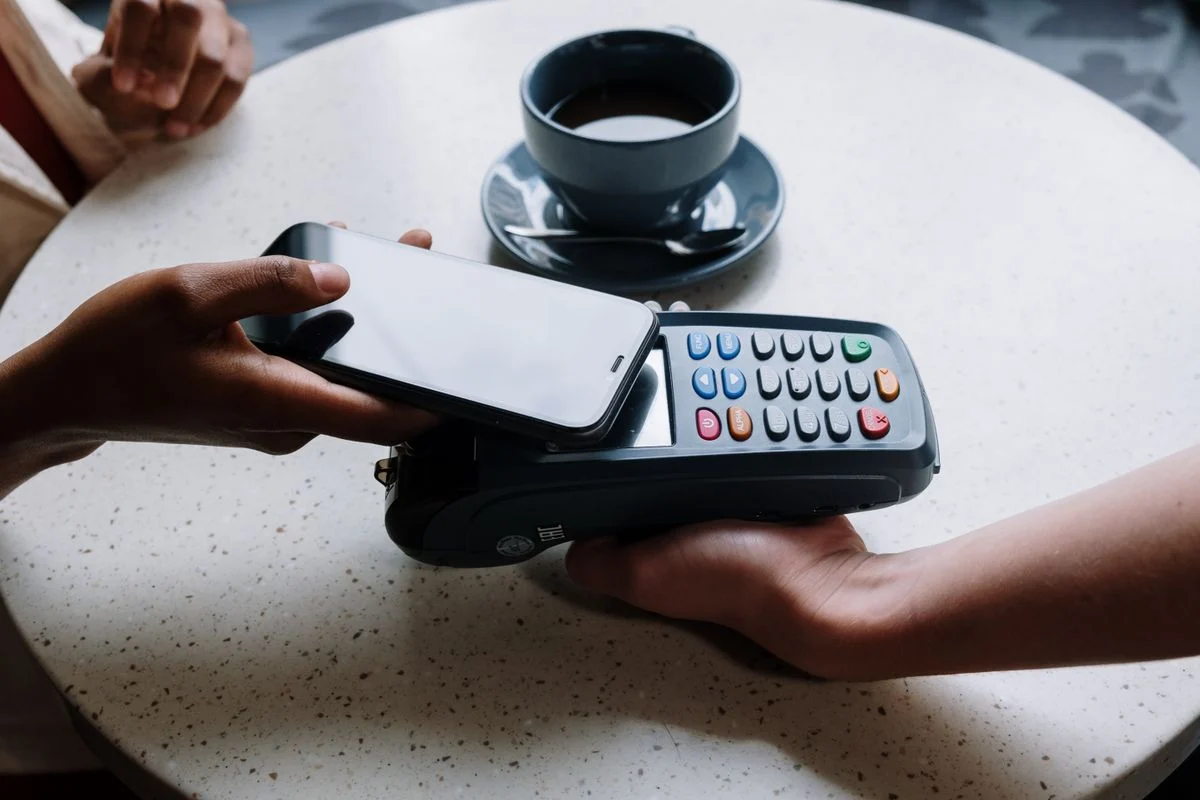
Digital wallets such as Apple Pay and Google Pay let customers pay with a card or bank account they have already stored on their phone, usually confirmed with a fingerprint or face scan. From the customer’s side this is the fastest checkout there is: no card numbers to type. Wallets are usually offered as an extra button at checkout by your processor, and they settle through the same card networks, so the fee structure is similar to a card payment. Wallets are especially valuable on mobile, where typing card details on a small screen is the most common reason customers abandon a purchase.
Bank transfers and ACH payments
A bank transfer, often called an ACH payment in the United States, moves money directly from the customer’s bank account to yours. ACH payments are slower to clear than card payments — typically a few business days — but the processing cost is usually lower, which makes them attractive for larger invoices, such as a monthly retainer or a project deposit. Many invoicing tools let you offer both card and bank transfer on the same invoice and let the customer choose.
Buy-now-pay-later
Buy-now-pay-later lets a customer split a purchase into instalments, usually over a few weeks or months, while you are paid in full (or nearly in full) up front by the provider. For higher-priced products this can lift conversion, because the headline price feels smaller. The cost to you is higher than a standard card fee, and the provider — not you — decides which customers are approved, so some customers will be declined at checkout.
Payment links and invoices
If you do not have a website store, you can still accept online payments. A payment link is a web address your processor generates for a fixed amount; you send it by email, text, or message, and the customer opens it and pays by card or wallet. An invoice with a built-in pay button works the same way, with the added benefit of a paper trail. Payment links are ideal for freelancers, consultants, and service businesses that charge per project, and they take minutes to set up.

Payment processors vs payment gateways: what is the difference?
The two terms are often used as if they mean the same thing, but they describe different jobs. A payment gateway is the technology that securely collects the customer’s payment details and passes them to the processor — think of it as the secure front door. A payment processor is the company that talks to the card networks and banks, moves the money, and deposits it in your account — think of it as the road the money travels on.
In practice, most small businesses use a combined service. Stripe, Square, and PayPal all act as both gateway and processor, which is why setup is a single sign-up rather than two separate contracts. Authorize.net is a well-known example of a gateway-first service: it provides the secure checkout and fraud tools, and connects to a separate merchant account or processor behind the scenes.
When comparing providers, ask four questions rather than comparing headline rates alone. First, what does the total cost look like for your typical sale size, including any monthly fee, per-transaction fee, and extra charges such as chargeback fees? Second, how quickly do payouts reach your bank account? Third, which payment methods and currencies does it support? Fourth, does it integrate with your website platform, invoicing tool, and accounting software, so sales flow into your books without manual retyping?
How online payment fees work
Payment fees are usually quoted as a percentage of each sale plus a small fixed amount per transaction, and sometimes a monthly subscription on top. The exact figures vary by provider, plan, payment method, and whether the card was entered online or in person, so always read the provider’s own pricing page for the plan you are considering rather than relying on a figure quoted in a blog post, which may be out of date.
Beyond the headline rate, there are several fee types worth understanding. A transaction fee is charged on every successful payment. A monthly fee applies on some plans and buys lower per-transaction rates, which suits higher-volume businesses. A chargeback fee is charged when a customer disputes a payment through their card issuer, and it applies even if you win the dispute. Some providers charge extra for cross-border payments, currency conversion, or instant payouts.
The practical way to compare is to work out your real cost per month, not the headline percentage. Take your average order value and your expected number of orders, and apply each provider’s published rates to those numbers, including the monthly fee. A plan with a monthly fee and a lower percentage can be cheaper once volume rises, while a no-monthly-fee plan is usually cheaper at low volume.
Security basics: keeping payments and customers safe
Online payment security has two goals: protect the customer’s payment details, and prove to the customer that your checkout is trustworthy. The good news is that a reputable processor handles most of the hard parts, provided you use it correctly.
The central standard is PCI DSS, the Payment Card Industry Data Security Standard — a set of security requirements that applies to any business that stores, processes, or transmits card information. If you use a hosted checkout page or a processor’s payment form, the card details go directly to the processor and never touch your own servers, which greatly reduces your compliance burden. Never store card numbers in your own spreadsheets, emails, or notes, and never ask a customer to send card details by email or message.
Tokenization is the technology that makes this work. When a customer enters a card number, the processor replaces it with a random token — a meaningless string that stands in for the card — and your system stores only the token. Even if your records were exposed, the tokens are useless to a thief.
For fraud prevention, most processors offer tools such as address verification, card security code checks, velocity limits that flag many rapid attempts from one source, and risk scoring that flags unusual orders for review. Two-factor checks such as 3-D Secure add a step where the customer confirms the payment with their bank; this reduces fraud, but it can also reduce conversion slightly, so many businesses enable it selectively for higher-risk orders. Keep your website on HTTPS — the padlock in the browser — because customers check for it and because processors require it.
Finally, have a plan for the day something goes wrong. Know how to spot a chargeback notice, how long you have to respond, and what evidence to submit: the order confirmation, delivery tracking, and any messages with the customer. Responding promptly with complete evidence is the single biggest factor in winning a dispute.

Choosing the right setup for your type of business
There is no single best payment setup. The right choice depends on how you sell, what you sell, and how your customers prefer to pay.
Online stores
If you sell products through a website, your store platform usually decides the easiest path. Most platforms offer their own built-in payments plus one-click connections to Stripe, Square, or PayPal. Turn on cards and the two main wallets first, then add buy-now-pay-later only if your average order is high enough for instalments to matter. Make sure the checkout works smoothly on a phone and sends an order confirmation immediately. Our guide to starting an ecommerce business covers the store setup around the payment step.
Service businesses and freelancers
If you sell time or expertise, invoicing with a pay button is usually the best starting point. Send the invoice by email, let the client pay by card or bank transfer, and set payment terms in writing — for example, a deposit before work starts and the balance on delivery. Recurring billing through your processor handles monthly retainers without you chasing invoices.
Businesses that sell both online and in person
If you sell at markets, a studio, or a shop as well as online, choose a provider that covers both channels under one account, so online and in-person sales land in the same reports and the same bank deposits. Square is the best-known example of an in-person-first provider that also handles online payments, and several others now offer card readers that pair with the same dashboard. See our guide to online presence management for keeping your online and offline listings consistent.
Businesses with subscriptions or memberships
Subscriptions add a layer of complexity: failed payments, expired cards, upgrades, and cancellations. Choose a processor with built-in recurring billing, automatic card updates where supported, and a clear retry schedule for failed charges. Show the billing date, amount, and cancellation method plainly at sign-up, and send a receipt for every charge.
Hypothetical example: what a $50 order costs you
Hypothetical example — the figures below are illustrative, not a quote from any provider. Suppose you sell a handmade item online for $50, and suppose your processor charges a percentage of the sale plus a small fixed amount per transaction — the standard structure most processors publish. Suppose the percentage is 3% and the fixed amount is 30 cents, purely as an illustration. On a $50 order, the percentage part is $1.50 and the fixed part is $0.30, so the total fee is $1.80 and you receive $48.20 before any other costs such as shipping, packaging, or the cost of the item itself.
Now suppose the same customer pays with a buy-now-pay-later option that charges you a higher percentage — say 6% as an illustration — with the same 30-cent fixed amount. The fee becomes $3.00 plus $0.30, or $3.30, and you receive $46.70. The difference between the two methods on this order is $1.50. That may look small, but across one hundred orders it is $150, which is why the payment mix matters: offering a more expensive method to every customer costs more than offering it only where it changes the buying decision, such as on higher-priced items.
Two lessons follow from the arithmetic. First, your true margin is the price minus the cost of the item, minus shipping and packaging, minus the payment fee — so price your products with the fee included, not as an afterthought. Second, the cheapest fee is not always the best deal: if offering wallets or buy-now-pay-later wins you orders you would otherwise lose, the extra fee is cheaper than the lost sale.
Setting up online payments: a step-by-step checklist
Follow these steps in order, and you can be accepting payments within a day or two in most cases.
1. Get the business basics in place. Form your business if you have not already — see our guide to how to start an LLC — and open a business bank account. You will also usually need an Employer Identification Number (EIN) from the IRS; the IRS issues EINs online at no charge, and its own guidance explains who needs one and how to apply.
2. Choose a processor. Shortlist two or three providers, compare their published pricing on your average order value and volume, check payout timing, and confirm they integrate with your website or invoicing tool. Read the terms on refunds, chargebacks, and account holds before you sign up.
3. Create the account and verify your business. The processor will ask for your business details, tax identification number, bank account details, and personal identification for the owner. Verification can be instant or take a day or two. Give the legal business name exactly as registered, because mismatches are the most common cause of verification delays.
4. Connect the processor to your sales channel. Add it to your online store, embed the payment form or payment links on your website, or enable the pay button on your invoices. Test the full flow yourself with a small real payment, then refund it, before you announce that payments are live.
5. Turn on the payment methods your customers use. Enable cards and the main wallets first. Add bank transfer for larger invoices and buy-now-pay-later only if your prices justify it. Keep the checkout page short: every extra field is a reason to abandon the purchase.
6. Set up receipts, refunds, and records. Turn on automatic receipts, write a short refund policy and show it before checkout, and connect the processor to your accounting software or bookkeeping system so every sale is recorded.
7. Monitor the first month closely. Check payouts against your sales every few days, watch for failed payments and disputes, and note which payment methods customers actually choose. That data tells you whether to add, remove, or promote a method.
Common mistakes to avoid
Offering too many payment methods at once. Each new method adds fees, reconciliation work, and checkout clutter. Start with cards and wallets, and add the rest only when customers ask or the numbers justify it.
Forgetting the fee in your pricing. If you price a product at exactly its cost plus your target profit, the payment fee comes out of your profit. Build a fee allowance into every price, and review it when you change providers.
Mixing business and personal money. Taking online payments into a personal account makes bookkeeping painful and can weaken the legal separation of your business. Route every payment to the business account from the first sale.
Ignoring payout timing. A sale is not cash in hand until the payout arrives. If your processor holds funds for several days, plan your cash flow around the payout date, not the sale date — and keep a buffer for refunds and chargebacks.
Having no refund or dispute process. The first chargeback always arrives sooner than expected. A written refund policy, prompt replies, and kept records turn most disputes into quick resolutions instead of lost money.

Related guides
- How to Start an Ecommerce Business — setting up the store that your payment system plugs into.
- Small Business Loans — funding options if you need capital to build your online store or stock.
- Online Presence Management — keeping your business listings and profiles consistent so customers trust your checkout.
- Cash Flow Management — planning around payout timing, refunds, and seasonal swings in sales.
FAQ
How do I accept online payments as a small business?
Sign up with a payment processor such as Stripe, Square, or PayPal, connect it to your website, payment links, or invoices, and link it to your business bank account. Customers then pay by card, wallet, or bank transfer, and the processor deposits the money in your account after its standard payout period.
Do I need a website to accept online payments?
No. You can send a payment link or an invoice with a pay button by email or text, and the customer pays through the processor’s secure page. A website store helps for product sales, but service businesses often start with invoices and payment links alone.
What is the cheapest way to accept online payments?
There is no single cheapest option, because fees depend on your average order value, volume, and payment mix. Compare each provider’s published pricing on your own numbers, including any monthly fee, and remember that bank transfers usually cost less than cards while buy-now-pay-later usually costs more.
Do I need a merchant account to take card payments online?
Usually not any more. Most small businesses use a combined processor such as Stripe, Square, or PayPal, which provides the merchant account function as part of the service. A separate merchant account and gateway, such as Authorize.net, is mainly for businesses that already have a bank merchant account or need specific gateway features.
How long does it take to receive money from online payments?
It depends on the provider and your account settings. Many processors pay out within one to a few business days of the sale, and some offer faster or instant payouts for an extra fee. Check the payout schedule on the provider’s own pricing or help pages before you rely on a particular timing.
Are online payments safe for my customers?
Yes, when handled through a reputable processor. Card details should go directly to the processor’s secure checkout, never through your own emails or spreadsheets, and your site should use HTTPS. Tokenization, fraud checks, and optional 3-D Secure confirmation add further protection for both sides.
Can I accept online payments without an EIN?
It depends on the processor and your business structure. Sole proprietors can often sign up with a Social Security number, while LLCs and corporations generally need an EIN. The IRS issues EINs online at no charge, and having one also makes opening a business bank account easier, so most businesses get one early.
Sources
- Stripe, “Payments” — https://stripe.com/payments — accessed 26 November 2026.
- Square, “Payments” — https://squareup.com/us/en/payments — accessed 26 November 2026.
- PayPal, “Accept payments” — https://www.paypal.com/us/business/accept-payments — accessed 26 November 2026.
- Authorize.net — https://www.authorize.net/ — accessed 26 November 2026.
- Internal Revenue Service, “Apply for an Employer Identification Number (EIN) online” — https://www.irs.gov/businesses/small-businesses-self-employed/apply-for-an-employer-identification-number-ein-online — accessed 26 November 2026. The IRS states that an EIN is issued free of charge and that you never have to pay a fee for one.
- Consumer Financial Protection Bureau — https://www.consumerfinance.gov/ — accessed 26 November 2026.
- The worked $50-order example in this guide is labelled hypothetical, with stated assumptions. No processor fee rates are quoted as fact, because rates vary by provider, plan, and payment method — check the provider’s own published pricing page for current figures.
This article is general educational information, not legal, tax or financial advice. See our disclaimer.